People are sometimes unprepared to learn that I have a deep (read: unhealthy) interest in languages. Up to and including, “how do you even figure out what makes a language so languagey?” (sidenote: apologies to the mother of the 8 year old a few days ago who wanted to know why bears are called bears)
A while back I shared that I created a JavaScript library called Methodius; a utility that lets you analyze frequencies and other facts about arbitrarily-sized chunks of text. Now I get to share a tool that uses it.

How do you use Methodius CLI?
Well step 1 is going to be to install it globally:
npm i -g methodius-cli
Now run it on a text file:
methodius -f "inferno.txt"
What are the options with Methodius CLI?
Designate what properties you want:
If you look at Methodius, you’ll see there’s a lot of properties to choose from. The more properties you want, the slower it gets. So if you’re only interested in meanWordSize, letterPositions, or wordFrequencies, you can get just that thing
methodius -f "inferno.txt" -f -p letterFrequencies -p uniqueBigrams
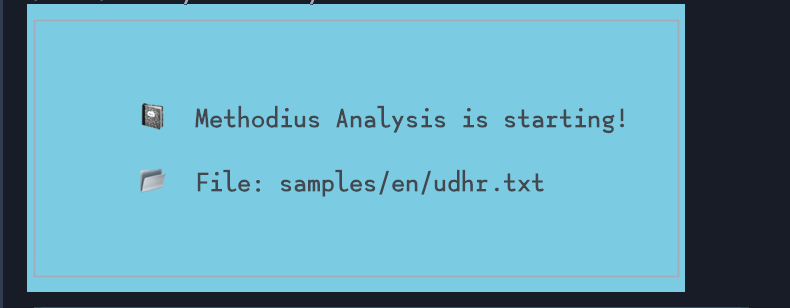
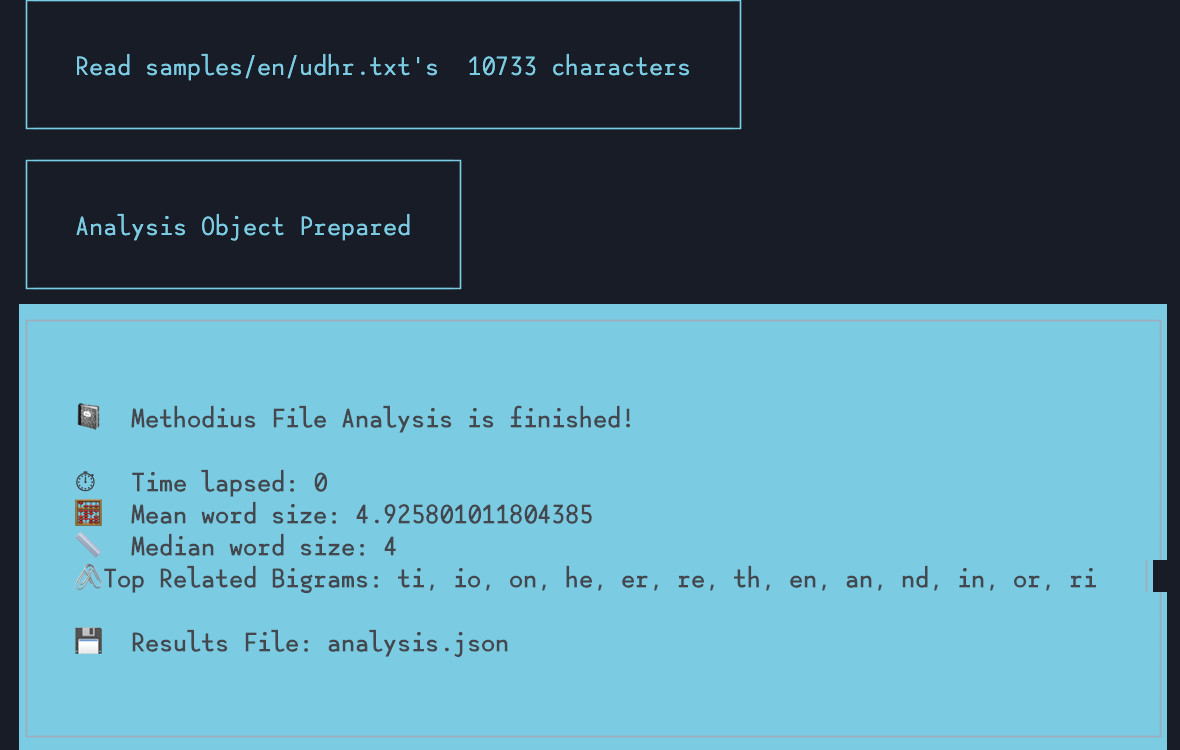
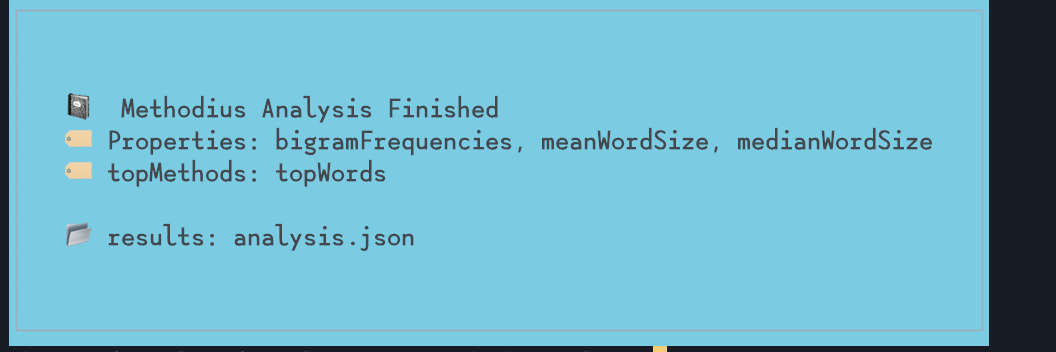
Run the top methods and set a limit
Not everything on a Methodius instance is a property. So for the top methods like getTopLetters() and getTopBigrams(), you can grab those and optionally set what the parameter should be.
methodius -f "inferno.txt" -t topLetters -t topWords -l 25
Run it on multiple files:
Methodius would be super tedious if you had to do all this on one file at a time. So you have the option to set multiple files.
methodius -f "inferno.txt" -f "divine-comedy.txt"
Designating output file
So this is a bit complex. The default output file name is analysis.json. You can change that to whatever you want.
methodius -f "inferno.txt" -t topWords -l 25 -o inferno-top-words.json
But what if you have multiple files? How does the output name work then?
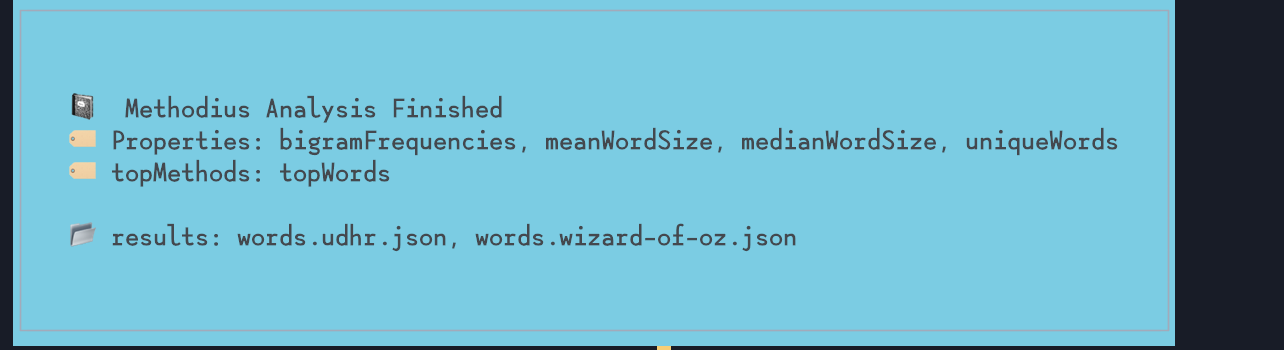
methodius -f "inferno.txt" -f "divine-comedy.txt" -t topWords -l 25 -o words
Something like the above will give you words.inferno.json, words.divine-comedy.json
Of course, you could also designate a folder, too:
methodius -f "inferno.txt" -f "divine-comedy.txt" -t topWords -l 25 -o "words/"
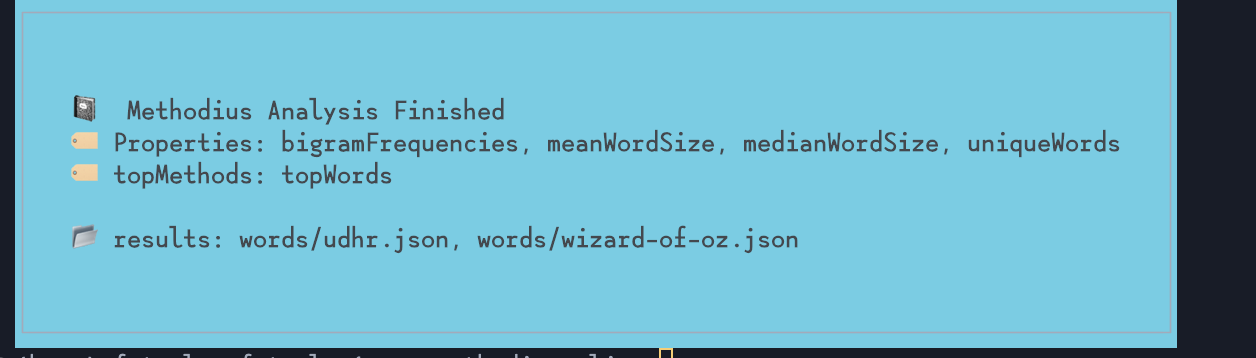
And that would give you words/inferno.json and words/divine-comedy.json.
Merge results from multiple files
So this is what really makes the CLI so useful for analysis. You could analyze multiple text files at once and have it merge all the results for you into one file.
When it merges, if the property is an Object or a Map, it’s the keys that are merged (with duplicates removed). If the property is an Array or a Set, they’re concatenated and duplicates are removed. If the value is a number, then what you get is an average.
methodius -f "inferno.txt" -f "divine-comedy.txt" -p bigramFrequencies -p wordFrequencies -l 25 -m
The output will be a merged.json file.
You also have the option to use a dedicated merge command, because maybe you want to produce the analyses in one command, and then you want to merge separately:
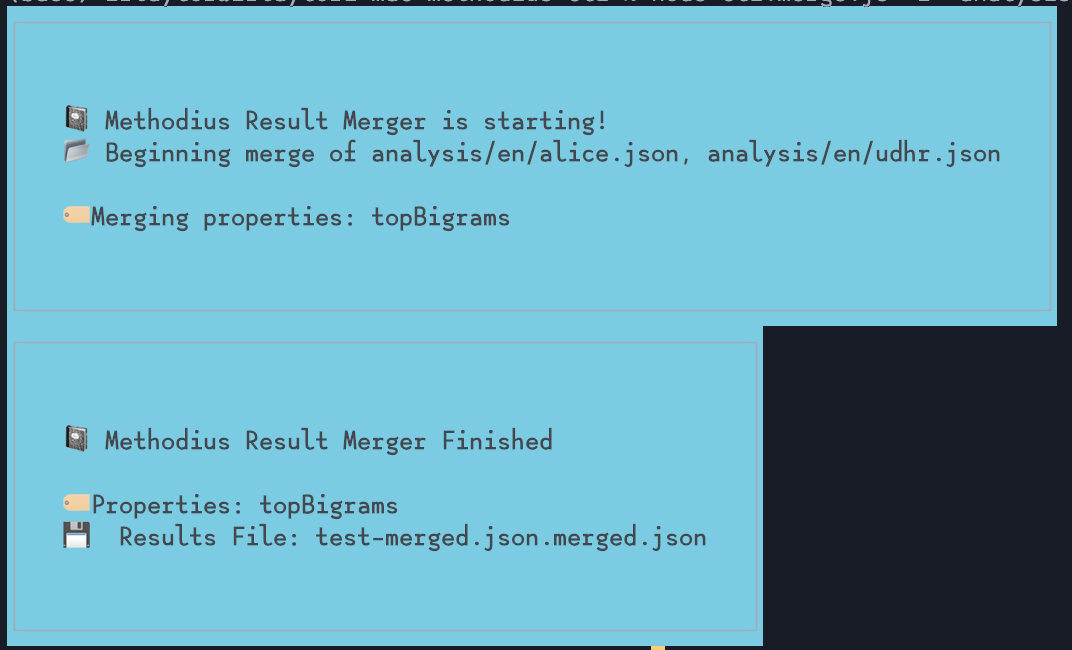
methodius-merge -f "inferno.analysis.json" "divine-comedy.analysis.json" -o "dante.json"
If you decide to use methodius-merge, you get the added option of being able to designate exactly which properties are put in the output file:
methodius-merge -f "inferno.analysis.json" "divine-comedy.analysis.json" -o "dante.json" -p uniqueWords
See for Yourself
Feel free to clone the repository.
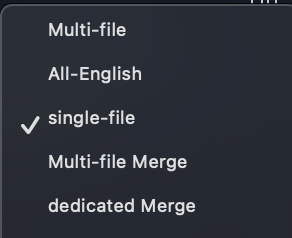
If you’re a VSCode user, you’ll notice that there’s a launch.json file there with some commands already set up for you to run on the sample texts in that repository. I’ve found that copying & pasting those commands was about the easiest way to do text analysis.
What’s Next?
Maybe more work in the merger/summarization process? IDK.
What would aspiring computational linguists want to know once they’ve scanned a bunch of texts?